
Batch SVG Converter
Convert up to ten SVG files to PNG, JPG, WebP or PDF in one local batch. Inspect per-file results and download successful outputs together as a ZIP.
0 of 0 files ready
Choose several SVG files, select an output format and run the batch. Successful files can be downloaded separately or as a ZIP.
Example: export two SVGs in a ZIP
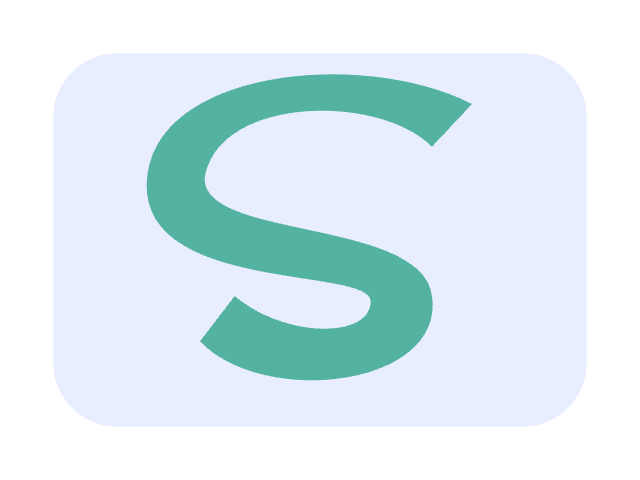
A blue mark and a green edited variant both convert to PNG. The output ZIP contains the two images and a per-file results manifest; the preview shows the green result.

- Parameters used
- 2 SVG inputs; PNG; 640 × 480 px; 2 of 2 completed.
- What this example does not prove
- This browser batch needs an open tab. The small example does not measure maximum-size or background throughput.
Self-authored test artwork, processed by the product on 2026-11-19. Not customer work or a guarantee for other inputs. View reproducibility record
What this tool does
Convert several SVG files in one browser session, inspect each outcome and download successful items together. One invalid source does not discard the other outputs.
Input, output and limits
Up to 10 SVG files, 512 KB each / 5 MB total input / 20 MB total output. PNG/JPG/WebP/PDF and ZIP with results.json; keep the tab open.
Content reviewed: 2026-11-18 · Testing and known limits
How to use this tool
- 1
Select up to ten SVG files.
- 2
Choose one output format and shared settings.
- 3
Run the batch and download successful files with the result manifest.
Common questions
- Does one failure stop the whole batch?
- No. Valid files still finish. The ZIP includes successful outputs and results.json with every file status.
- What happens when I stop?
- The current file finishes, then remaining files are marked not processed. You can download completed outputs. Closing or refreshing the tab does not preserve the batch.
- What are the limits?
- Up to 10 files, 512 KB per file, 5 MB total input and 20 MB combined output. Processing is sequential in your browser, not a background cloud job.
- Does the batch keep running after I close the page?
- No. Conversion runs sequentially in the current browser tab. Keep it open until completion; stopping leaves finished items available and skips later items. This is not a cloud job queue.
A tool for the next step
Create, refine and export your SVG.
Export
SVG to PNG Converter
Convert an SVG file or pasted SVG code to PNG in your browser. Set exact pixel dimensions and choose transparency or a solid background, then preview and download.
SVG to JPG Converter
Convert SVG files or code to JPG in your browser. Choose pixel dimensions, image quality and a solid background, then preview and download the actual JPEG.
SVG to WebP Converter
Convert static SVG to WebP with transparent or solid backgrounds, exact pixel dimensions and quality controls. Preview and download locally without an account.
SVG to PDF Converter
Turn SVG into a PDF with page dimensions and margins in millimeters. Preserve supported vector shapes, or choose an explicitly labeled image compatibility mode for text and effects.