
Image to SVG Converter
Trace a raster image into SVG paths with logo, line-art or illustration settings. Supports five image formats; compare the original and vector result on this page.
- —
- Paths
- —
- Shapes
- —
- Colors
- —
- File size
Example: trace a WebP logo
This WebP mark is traced into SVG paths with the traditional image converter. Compare the original edges with the downloadable vector; it is not a bitmap wrapped in SVG.
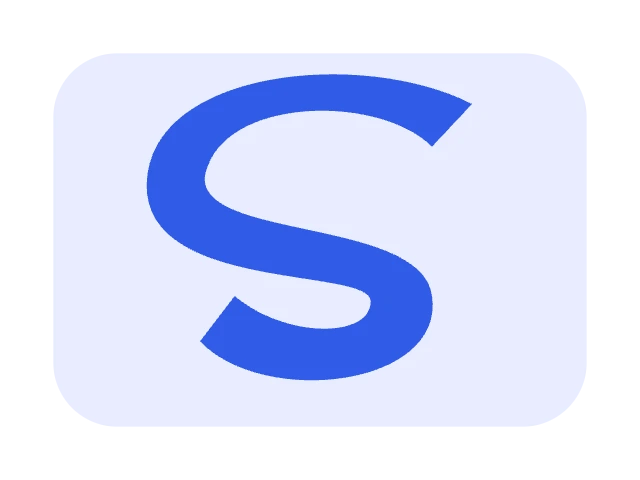
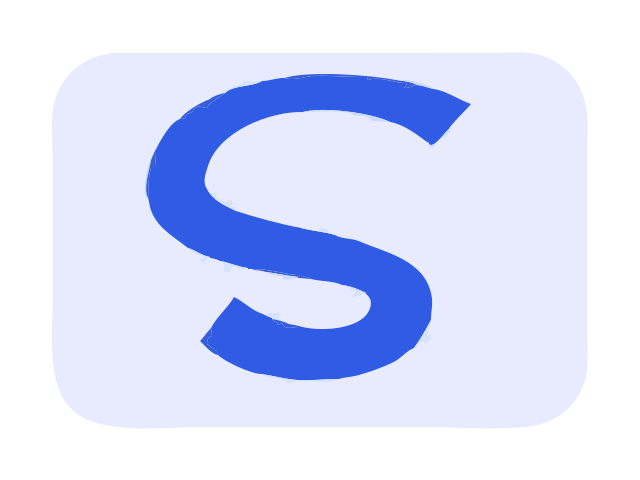
- Parameters used
- Logo mode; detail 70; maximum 8 colors; 640 × 480 input.
- What this example does not prove
- This flat sample does not predict photo quality. Compression and small details can introduce extra paths.
Measured result: 15 paths, 8 colors.
Self-authored test artwork, processed by the product on 2026-11-19. Not customer work or a guarantee for other inputs. View reproducibility record
What this tool does
Start from an existing raster image: trace its visible shapes into SVG paths. Choose this general workflow when your input format varies; clean logos and flat art are more suitable than detailed photographs.
Input, output and limits
PNG/JPG/WebP/GIF/BMP → SVG paths. Up to 8 MB / 4 million pixels; local background processing without uploading.
Content reviewed: 2026-11-18 · Testing and known limits
How to use this tool
- 1
Upload a supported raster image, or use the original sample to try tracing without an AI key.
- 2
Choose logo, line art or illustration; adjust detail and, where applicable, the maximum color count.
- 3
Compare the raster and SVG, inspect paths and colors, then download or continue editing.
Common questions
- Does image vectorization create real SVG paths?
- Yes. This workflow traces the raster image with VTracer and optimizes the paths with SVGO. It does not simply embed the original pixels in an SVG wrapper and does not use a generative AI model.
- Which images work well for traditional vectorization?
- Clean logos, line drawings and flat illustrations are suitable starting points. Photographs, soft gradients, tiny text and compression noise can lose detail or create many paths; inspect the original/result comparison.
- What image limits apply, and where is conversion performed?
- PNG, JPG, WebP, GIF and BMP are accepted up to 8 MB and 4 million pixels. Tracing runs in a browser background worker without uploading the image. Download the SVG to keep it; account storage is not open in the public preview.
- Which page should I use for a PNG or JPEG specifically?
- Use PNG to SVG for a transparent PNG workflow or JPG to SVG for JPEG-specific guidance. This general page serves format-independent image tracing across the five supported raster formats.
A tool for the next step
Create, refine and export your SVG.
Create & trace
PNG to SVG Converter
Trace a PNG into editable SVG paths with traditional vectorization. Preserve transparent inputs, choose a logo or illustration mode, compare and download without an AI key.
JPG to SVG Converter
Convert JPG or JPEG logos, scans and flat graphics to SVG paths using traditional tracing. Tune detail and colors, compare the output and download your vector file on this page.
Edit
SVG Editor Online
Edit existing SVG elements, line width, opacity and visibility in your browser, with undo and redo. Inspect the result and download the edited SVG.
SVG Color Changer
Find solid fill, stroke and gradient-stop colors in an SVG. Replace selected colors, preview the result and download the recolored vector.